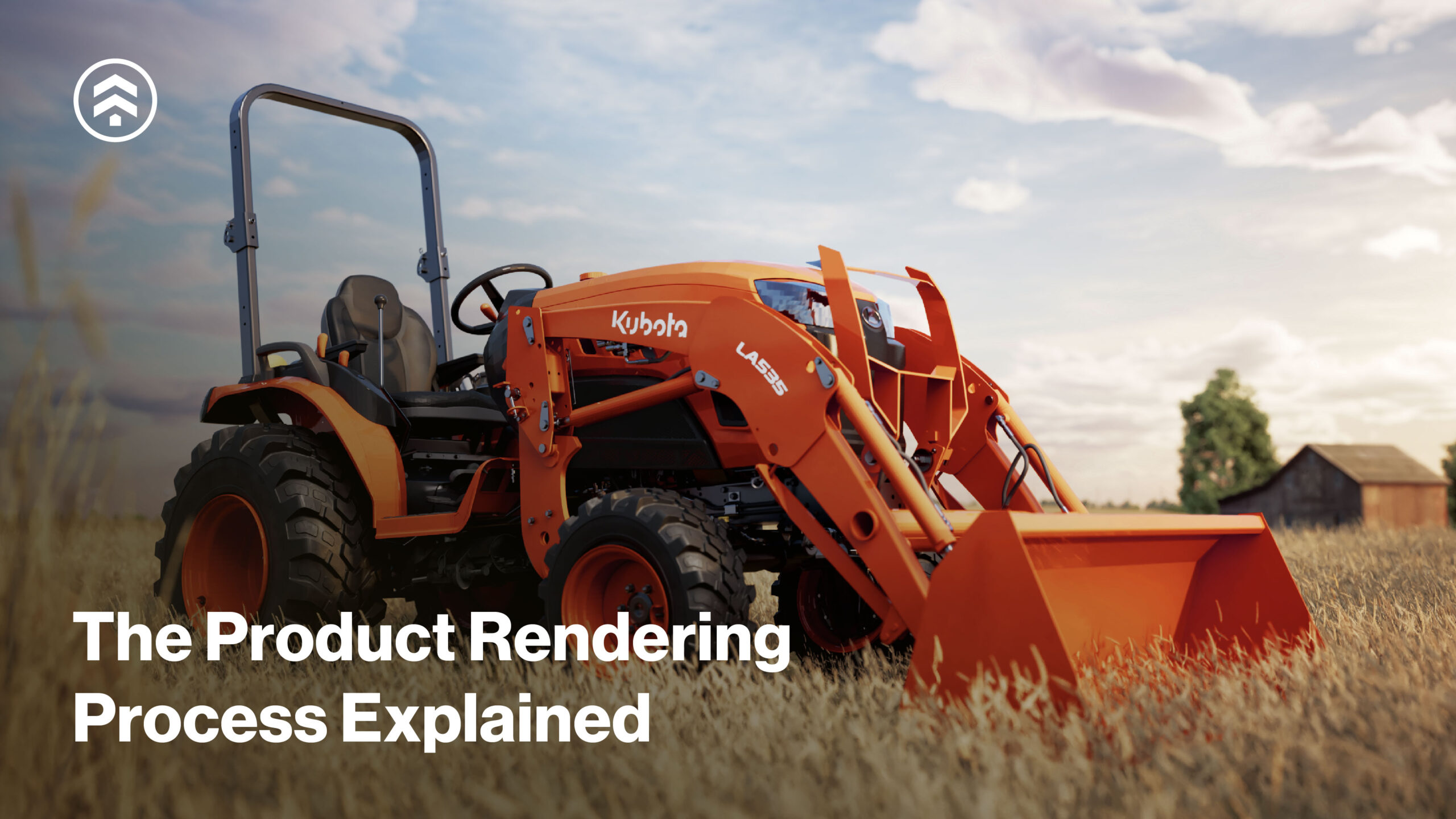
For more than a decade, Sprout Studios has helped brands visualize products through photorealistic 3D rendering, supporting everything from early-stage startups launching their first product to enterprise teams expanding their digital asset libraries.
Our visualization team is made up of industrial designers and CGI specialists, bringing a deep understanding of materials, finishes, and product details that helps teams trust what they see. The goal isn’t just to create attractive imagery, but to produce accurate, flexible visual assets that support product storytelling, decision-making, and sales.
We offer a wide array of CGI services, from 3D CAD creation to high-resolution, photorealistic renderings and animations. Whether it’s an image for Amazon’s marketplace or an animation for a keynote presentation, we help clients visualize what’s needed to get the job done.
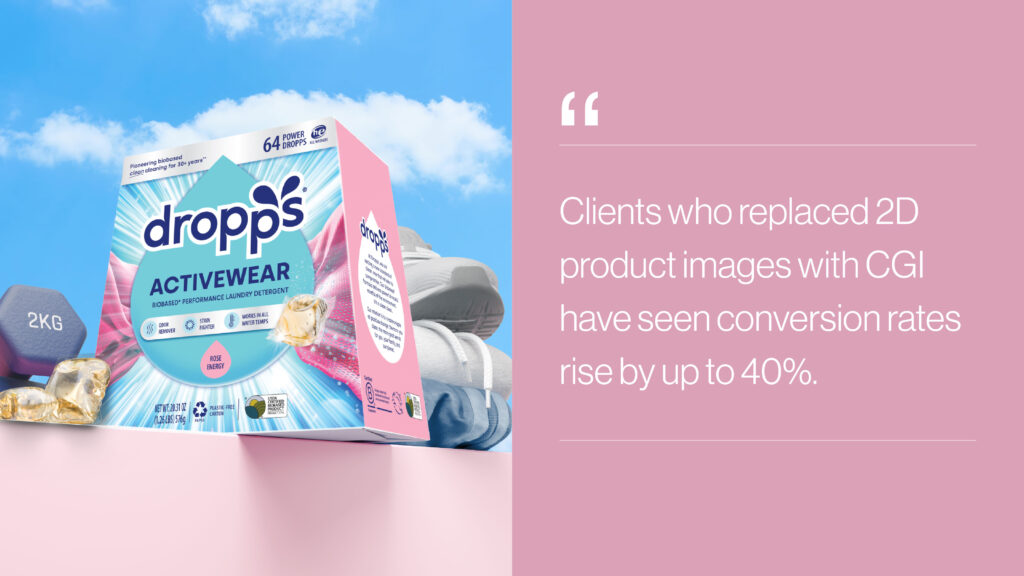
And the results speak for themselves: Clients that replace static 2D imagery with CGI-driven visuals have reported conversion rate lifts of up to 40%, along with higher average order values and reduced return rates. These aren’t just pretty pictures; they’re performance-driven assets.
In this article, we outline how CGI projects are typically structured, from early planning through implementation, and what to expect at each stage.
A Flexible Approach to 3D Product Rendering
No two CGI projects are exactly the same. Some clients come to us with finalized CAD and clear use cases, while others are exploring 3D rendering for the first time. The steps below represent a common framework we adapt based on product, scope, and timelines.
Our role is to meet teams where they are and help them get the most value from CGI, whether that means a handful of hero images or a scalable visual system.
1. Project Planning & Alignment
Every successful rendering program begins with alignment. In this phase, we collaborate closely with our clients to understand the product, the audience, and how the visuals will be used—on a website, marketplace, pitch deck, packaging, or beyond. This stage ensures expectations are aligned around scope, timeline, and creative direction.
We create custom workflows to maximize the benefits of CGI for each client. These tailored workflows integrate with existing tools, DAM systems, and production pipelines to maximize efficiency at scale.
Each project is supported by a dedicated account manager to serve as a direct point of contact, ensuring smooth communication and a streamlined process.
2. File or Product Reference Intake
Clients may provide existing CAD files, technical drawings, or physical product samples. These references help us understand geometry, proportions, and material intent.
3. CAD Evaluation or 3D Modeling
All files are evaluated for consistency and accuracy. When needed, we repair or optimize CAD to ensure it’s suitable for visualization.
In cases where CAD files are unavailable, our visualization experts can create 3D models from sketches, photos, or physical references.
4. First-In-Series (FIS) Renderings
To establish a strong visual foundation, we create a first-in-series (FIS) rendering that defines materials, lighting, and camera angles. These prototype renderings ensure alignment with the client’s desired visual brand language (VBL) before scaling the process.
5. Revisions & Refinement
Client feedback is crucial in refining the rendering details. We adjust materials, finishes, and lighting to achieve the desired look. With clear direction and a well defined brand strategy, we typically find that two to three revisions are sufficient to reach the ideal final result.
6. Final Renderings
Once the visual treatment is approved, we apply it consistently across the remaining assets, whether that’s multiple views of a single product or a broader product line.
This approach ensures visual consistency while keeping production efficient.
7. Post-Production
After final renderings are approved, we conduct post-production work to enhance their overall impact. This may include color correction, retouching, background treatments, or the addition of any final visual elements.
Assets are formatted for specific platforms such as e-commerce marketplaces, websites, or presentations.
8. File Delivery
Once completed, we ensure a smooth and secure transfer of the final rendering files to the client. The files are organized, compressed, and optimized for convenience and efficient use in various applications.
9. Style Guide Hand-Off
At the end of the project, we provide a style guide to the client, which outlines the specific treatment, materials, finishes, and lighting used. This makes it easier to expand or update visuals over time, either with our team or internally
10. Implementation
At the culmination of the rendering project, we help clients move seamlessly from concept to real-world use. Rather than simply delivering files, we support how those assets are deployed, managed, and reused across teams and channels.
Your catalog of digital assets acts as a strategic resource, promoting brand consistency, efficiency, and collaboration across departments.
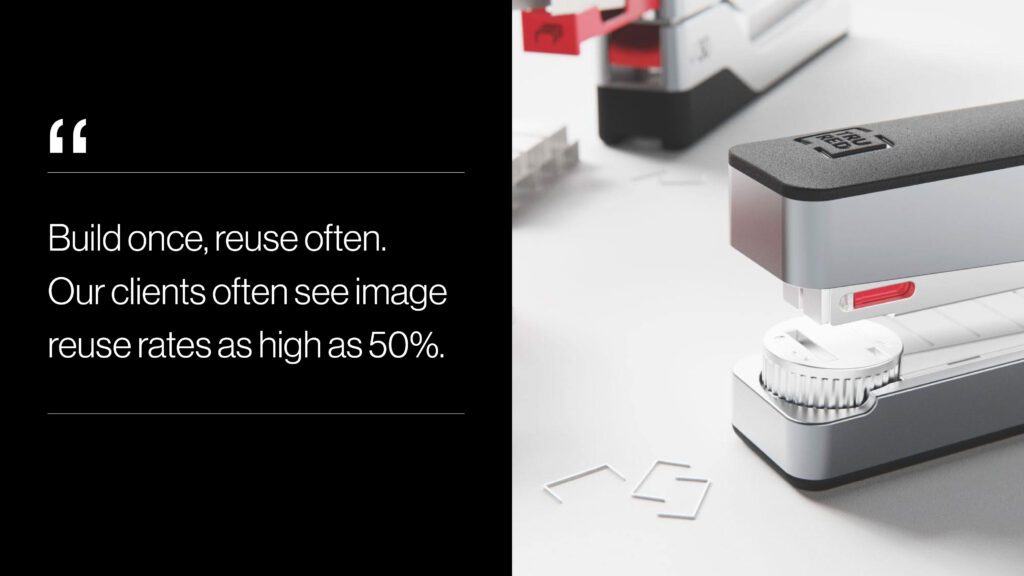
Many clients see significant long-term value by creating assets once and reusing them across multiple channels and touchpoints.
We also offer training and ongoing support to help teams confidently manage, adapt, and reuse their CGI assets over time, ensuring they remain useful as products, campaigns, and platforms evolve.
Product Rendering FAQs
Q: What is product rendering, and how is it different from photography?
Product rendering uses 3D models to create photorealistic images, while photography captures physical products through a traditional photoshoot. Rendering enables faster iteration, easier updates, and asset reuse across channels without the need for reshoots. For a deeper comparison, explore our full guide on CGI vs. traditional product photography.
Q: Do I need CAD files to start a rendering project?
Not always. While CAD files are helpful, our team can create accurate 3D models from sketches, photos, or physical samples when CAD is unavailable.
Q: Can product rendering be used before manufacturing?
Yes. Many teams use rendering early in development to visualize concepts, test variations, and align stakeholders before committing to tooling or production.
Q: Can we modify CGI assets after the initial project?
One of the biggest advantages of CGI is flexibility. New colorways, seasonal campaigns, or product variations can be added quickly without recreating the entire asset. This allows teams to keep visuals fresh, launch promotions faster, and maintain consistency across channels—something traditional photography makes far more time-consuming and costly.
Q: How long does a typical rendering project take?
Timelines vary based on product complexity and scope, but CGI often enables faster iteration and updates than traditional photography. In many cases, a CGI project could be delivered in a matter of days.
Why Brands Choose 3D Product Rendering
3D product rendering offers flexibility that traditional photography can’t always provide—especially when products are still evolving, timelines are tight, or content needs to be refreshed frequently.
Whether you’re launching your first product or expanding an existing catalog, CGI allows visuals to adapt as your business grows.
From initial planning to final implementation, our tailored CGI workflows ensure that every asset is perfectly aligned with your brand’s objectives, maximizing the return on your investment.
Whether you’re looking for photorealistic visuals for e-commerce, marketing materials, or investor presentations, our team is ready to bring your products to life with unparalleled detail and precision.
Interested in exploring 3D product rendering for your next project? Contact our CGI experts to learn more.