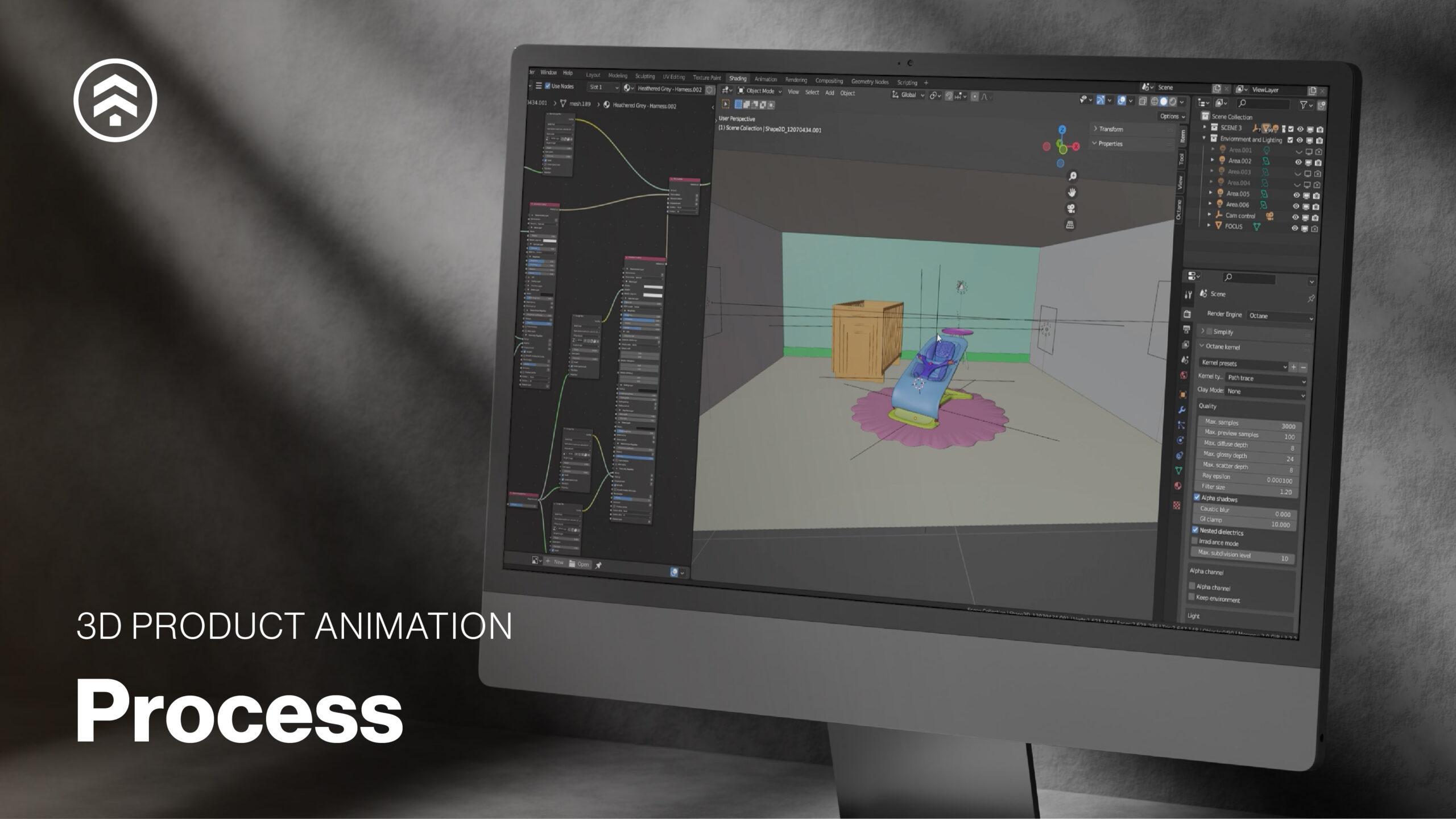
3D product animation has become a critical tool for brands looking to explain complex products, showcase functionality, and create high-impact visual stories across digital channels. At Sprout Studios, we’ve spent over a decade helping teams transform CAD data and product concepts into strategic animation assets that inform, engage, and convert.
In this post, we break down our 3D product animation process—from project planning through implementation—so you can understand how thoughtful planning, technical accuracy, and creative storytelling come together to deliver results.
1. Project Planning & Strategy
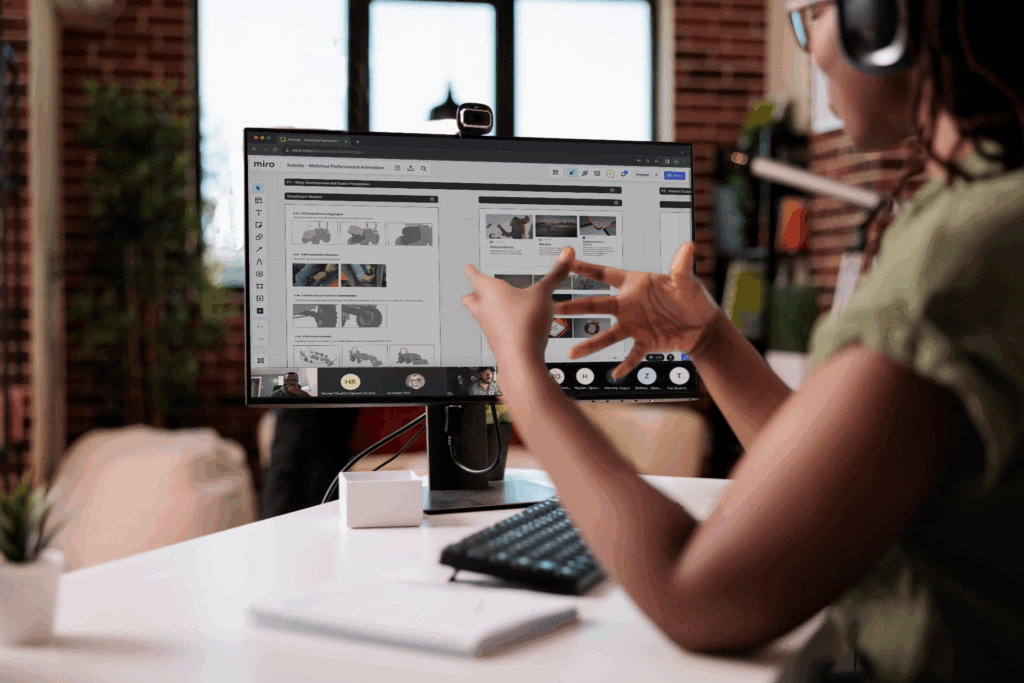
Every successful animation project starts with alignment. We begin by working closely with clients to define scope, objectives, timelines, and success metrics. This planning phase ensures the animation supports both creative vision and business goals from the outset.
The process typically begins with a kickoff meeting where we define & discuss:
- Target audience
- Core messaging
- Intended use cases (marketing, sales, training, product launch, etc.)
- Distribution channels & required formats
- Product scope & feature priorities
- Level of realism, motion, and visual style
- Opportunities for future reuse or modular updates
Whether the goal is to educate, inspire, or drive conversion, this step establishes a clear strategy for how the animation will function—not just how it will look.
To keep projects moving efficiently, each engagement is supported by a dedicated project manager who oversees timelines, communication, and milestones, ensuring transparency and momentum throughout production.
2. CAD Audit & Technical Review
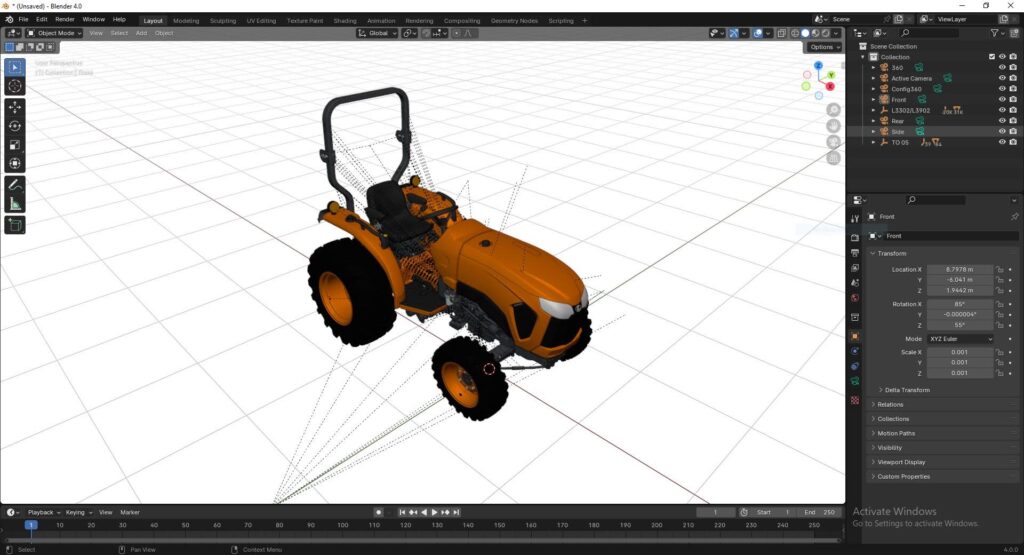
High-quality animation depends on high-quality source data. Early in the process, we conduct a detailed CAD audit to assess file structure, geometry, and level of detail.
If files require cleanup or optimization, our team can:
- Repair or simplify complex geometry
- Optimize models for animation and rendering
- Build or rebuild CAD when necessary
Well-prepared CAD files often result in faster timelines and lower production costs. Addressing technical considerations early helps avoid downstream revisions and ensures the final animation accurately represents the product.
3. Shot List & Script Development
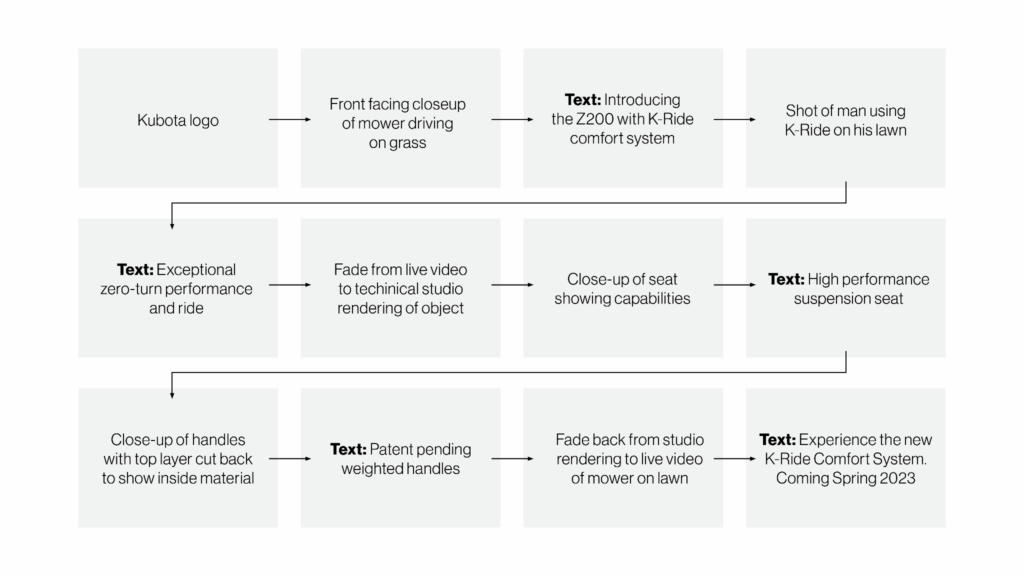
Next, we collaborate with clients to define a detailed shot list and script. This step serves as the narrative and structural blueprint for the animation.
The shot list outlines:
- Key product moments and features
- Camera movements and framing
- Transitions and sequencing
By planning the story before animation begins, we ensure the final piece clearly communicates product value and functionality while maintaining a logical, engaging flow.
4. Storyboarding
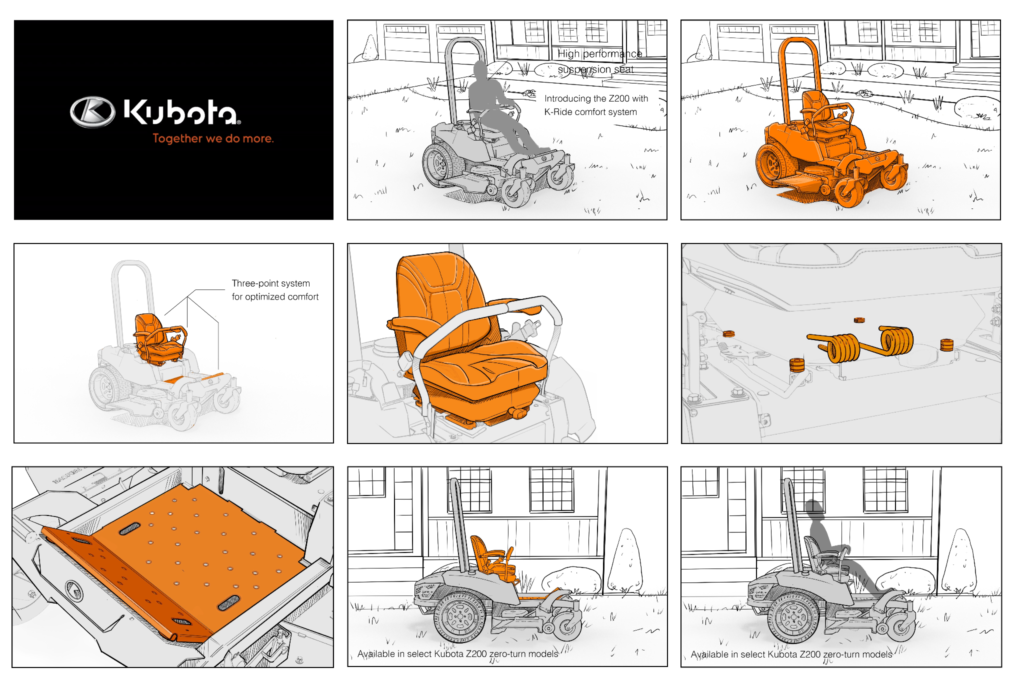
The storyboard translates the script into a visual plan. Each frame maps out shot composition, camera angles, and pacing, allowing everyone to align on the narrative before moving into animation.
Storyboards help:
- Identify gaps or redundancies early
- Refine pacing and transitions
- Align creative expectations before production
This step minimizes revisions later and provides clients with confidence in the direction before significant production work begins.

5. Animatic First-In-Series
With the storyboard approved, we produce a low-fidelity animatic—a non-rendered wireframe animation that establishes timing, camera movement, and overall flow.
The animatic allows clients to:
- Evaluate pacing and sequencing
- Review framing and motion
- Explore early audio or voiceover options
Feedback at this stage is critical, as it sets the foundation for the final animation’s rhythm and structure.
6. Revisions & Refinement
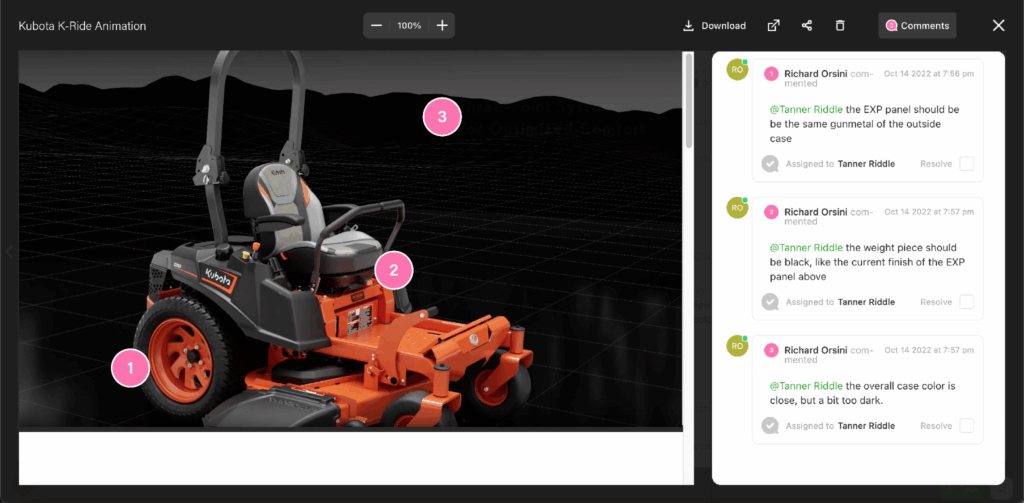
Based on animatic feedback, we move into refinement. During early revision rounds, we adjust:
- Timing and motion
- Lighting and materials
- Camera paths and framing
- Motion graphics and callouts
Because the process is front-loaded with planning and alignment, revisions are typically focused and efficient—allowing the team to spend more time polishing rather than reworking.
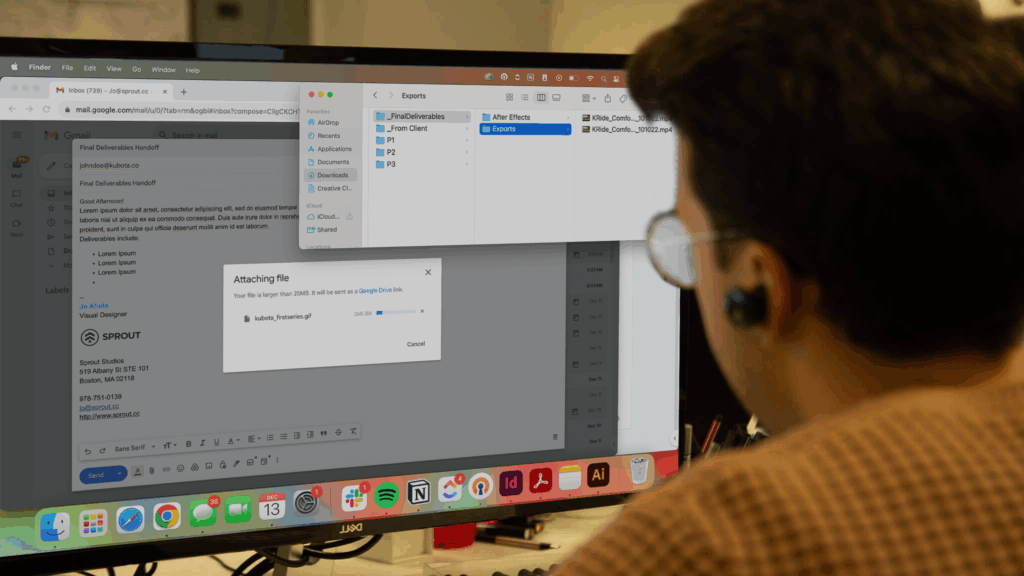
7. Final Rendering & Export
Once approved, the animation is rendered and exported in formats optimized for its intended platforms. This may include versions for:
- Websites and landing pages
- Social media and paid ads
- Presentations and trade shows
- Internal training or sales tools
We ensure files are optimized for quality, performance, and consistency across devices and channels.
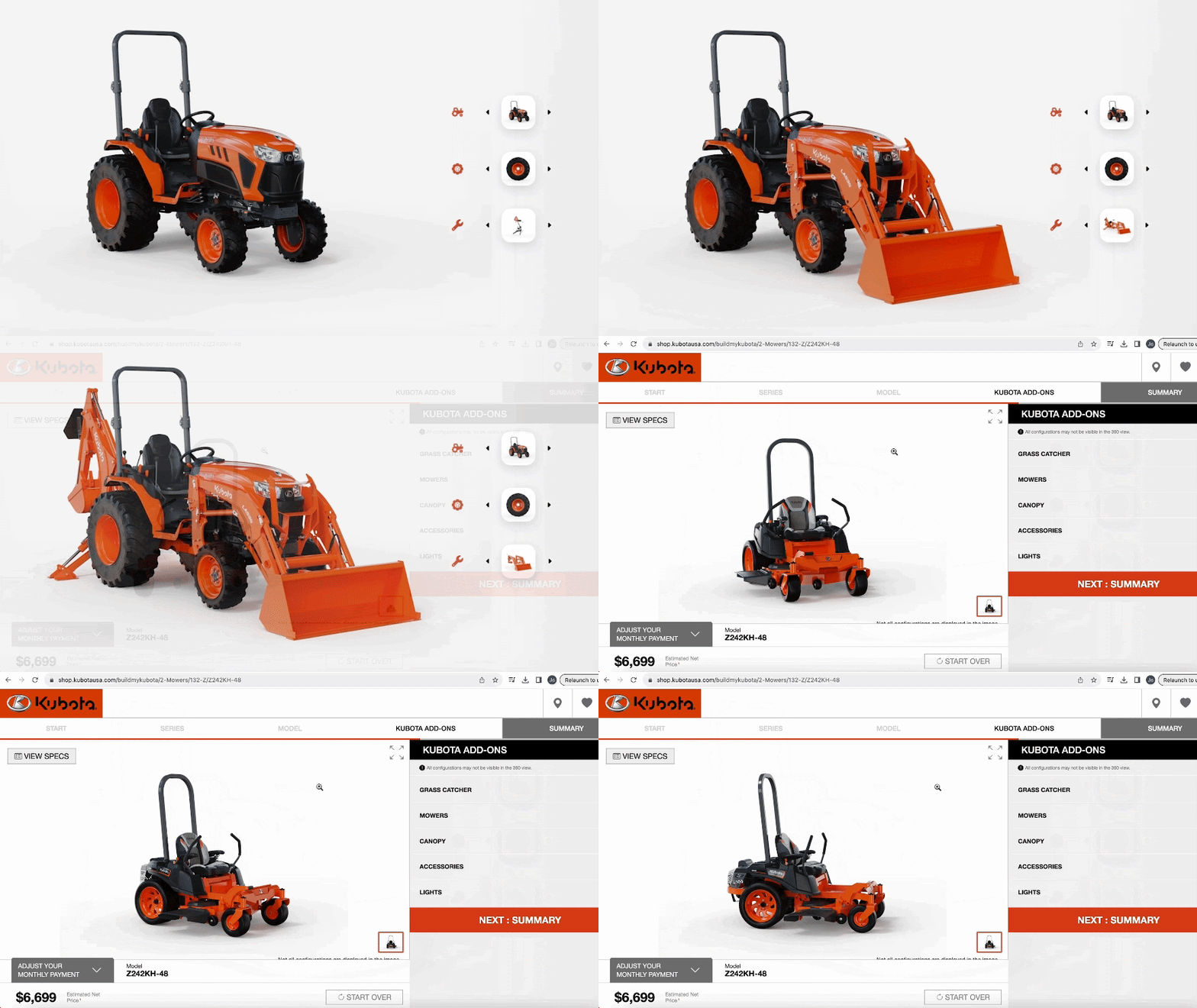
8. Implementation & Ongoing Support
After delivery, we support clients as they integrate finished assets into their broader digital ecosystem.
By treating animations as reusable digital assets—not one-off deliverables—teams can:
- Maintain brand consistency across channels
- Reuse content across campaigns and platforms
- Extend the lifespan and ROI of each animation
We also offer guidance and support to help teams manage, adapt, and reuse animation assets as products, campaigns, and needs evolve.
A Strategic Approach to 3D Product Animation
By combining strategic planning, technical rigor, and creative storytelling, our 3D product animation process delivers more than compelling visuals—it creates assets that support real business goals.
Whether you’re launching a product, explaining complex functionality, or building a scalable content library, a well-executed animation can become a long-term asset across marketing, sales, and internal teams.
Ready to amplify your brand with 3D product animation? Reach out to our CGI team for a quote, and let’s bring your vision to life.
-> See our 3D animation process in action: Explore how we brought next-gen drone tech to life for Ascent AeroSystems.