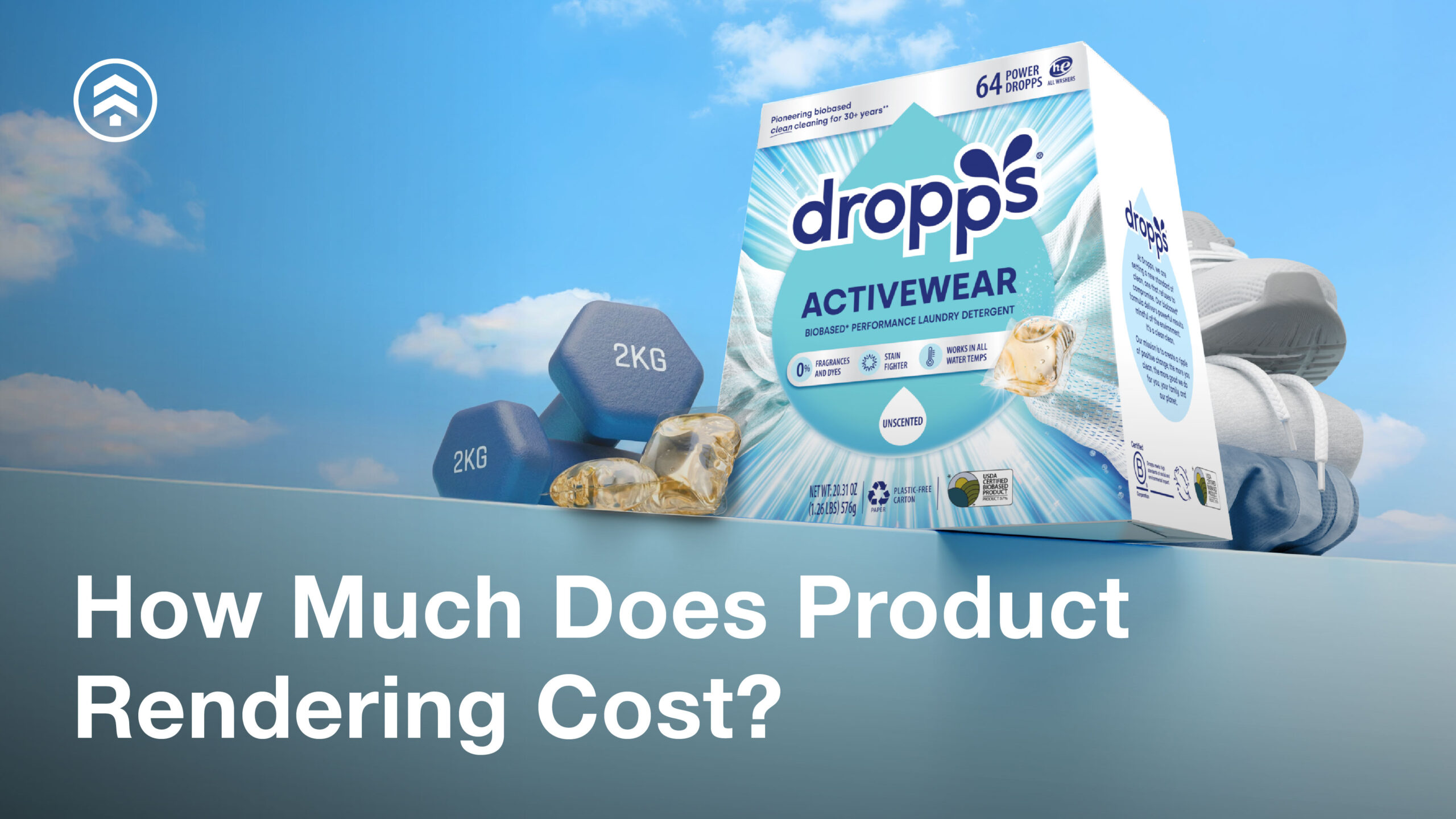
One of the first questions teams ask when exploring 3D product rendering is simple: How much does it cost?
Pricing varies widely depending on the product, the type of assets needed, and how those assets will be used. Unlike traditional photography, CGI isn’t just a single image—it’s a production system that can support everything from ecommerce to sales, marketing, and product development.
Our clients have achieved 30–90% cost savings compared to traditional photography by eliminating the most expensive and time-consuming elements of physical production. Because CGI requires no product shipping, no sample builds, no set construction, no studio rentals, and no reshoots, clients avoid the logistics and labor that typically inflate photo budgets.
Below, we’ll break down what drives cost, share realistic price ranges, and explain how teams should think about budgeting for CGI.
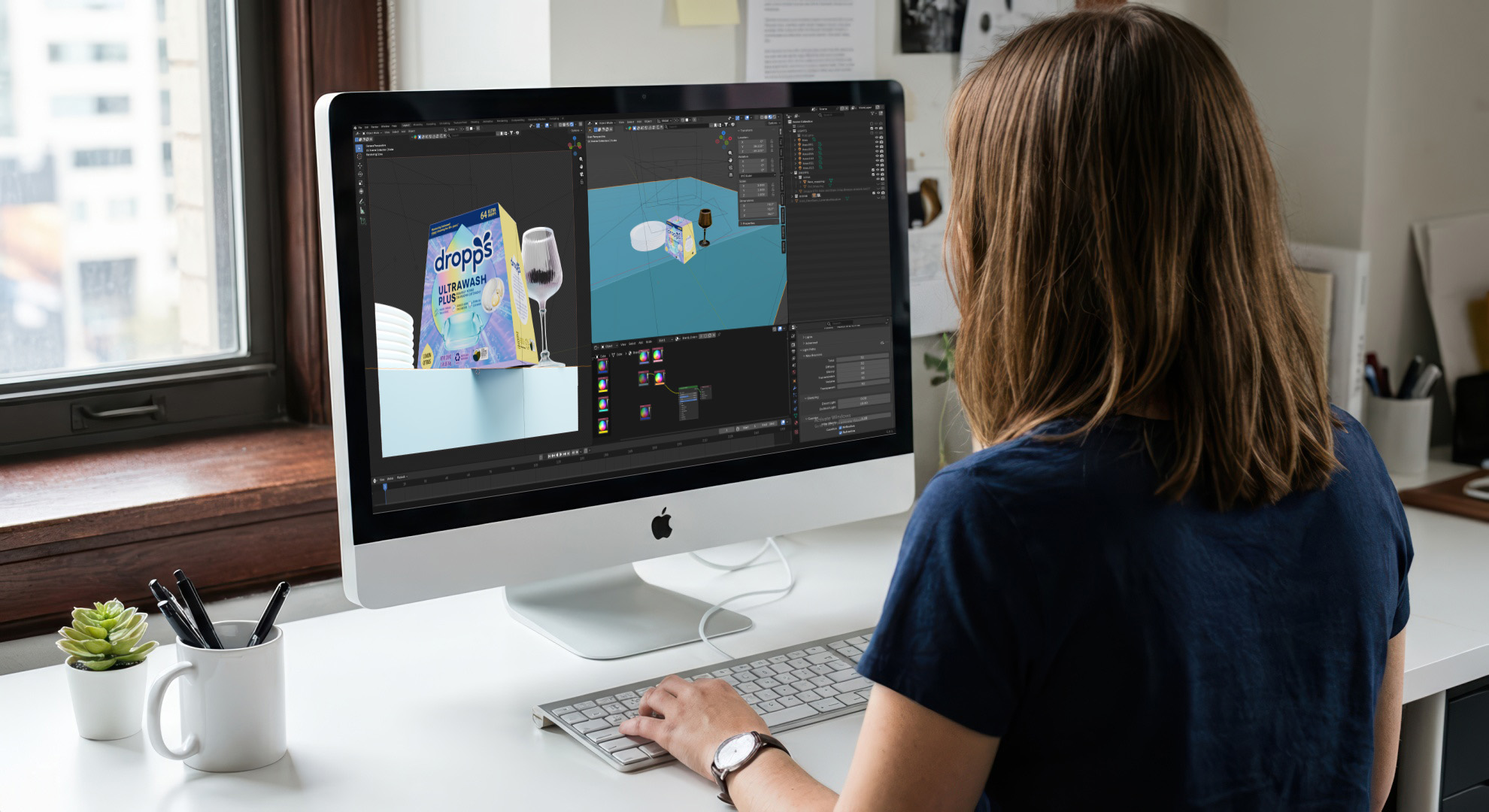
Why 3D Product Rendering Costs Vary So Widely
There’s no universal “price per image” for CGI because no two products—or projects—are the same.
A simple consumer product with clean CAD and a single hero image requires far less effort than a configurable industrial system with dozens of components, materials, and use cases. Add animation, interactivity, or multiple variants, and the scope changes again.
The most accurate way to think about cost is as a combination of:
- Product complexity
- Asset types required
- Volume and scalability
- Repetition and variations
- Level of visual fidelity
Typical Price Ranges for 3D Product Rendering and Animation
To provide a general reference point, here are typical starting price ranges for photorealistic CGI work. These ranges assume clean, production-ready CAD files.
Still Images (Photorealistic CGI): $30 – $1000s per image
Pricing depends on:
- Product complexity
- Materials and finishes
- Lighting and scene requirements
- Whether the image is a studio hero shot or a lifestyle composite
Once a visual system is established, additional images and variants are produced more cost-efficiently.
CGI Animation: $20 – $120 per frame
Animation pricing varies based on:
- Motion complexity
- Camera movement
- Level of realism
- Inclusion of internal components, exploded views, or step-by-step sequences
- Whether the scene is a standard studio setup or a custom environment
- Simulations of complex materials
The Biggest Factors That Influence CGI Costs
Asset Types Required
Different outputs require different levels of effort. Each serves a different purpose and carries a different production load. Common deliverables include:
- Hero images
- Lifestyle or in-context scenes
- 360° spins
- Technical or exploded views
- Animations or interactive demos
Product Complexity
The number of parts, mechanical detail, surface finishes, and internal structures all impact production time. Highly engineered products require greater technical accuracy, especially those with internal mechanisms or assemblies.
Number of SKUs, Variants, or Configurations
Colorways, sizes, regional versions, and modular systems all affect scope. The good news: once the base system is built, additional variants are typically far more cost-effective. This is where CGI scales particularly well.
Source Assets & CAD Quality
Clean, well-structured CAD files dramatically reduce production time. When CAD is missing or incomplete, additional modeling and cleanup may be required. That said, our team can work from sketches, photos, or physical references when needed to produce CAD.
Level of Photorealism
Not all CGI is created equal. Varying levels of fidelity and realism affect both the impact and the value of your visuals. Marketing-grade CGI requires more than technical accuracy. It demands:
- Precise materials and finishes
- Brand-specific lighting and composition
- Consistency across large content libraries
Higher fidelity means more attention to detail, but it also delivers more value, supporting better product storytelling and enabling reuse across campaigns and channels.
One-Time Setup vs Ongoing Content Production
CGI projects generally include an upfront setup phase where materials, lighting, camera angles, and style are defined through a first-in-series (FIS) asset.
This initial investment:
- Establishes a repeatable visual system
- Reduces per-asset cost over time
- Enables rapid scaling across SKUs and campaigns
Teams that view CGI as a long-term content engine, rather than a one-off deliverable, see the strongest ROI.
CGI vs Traditional Photography: Cost Over Time
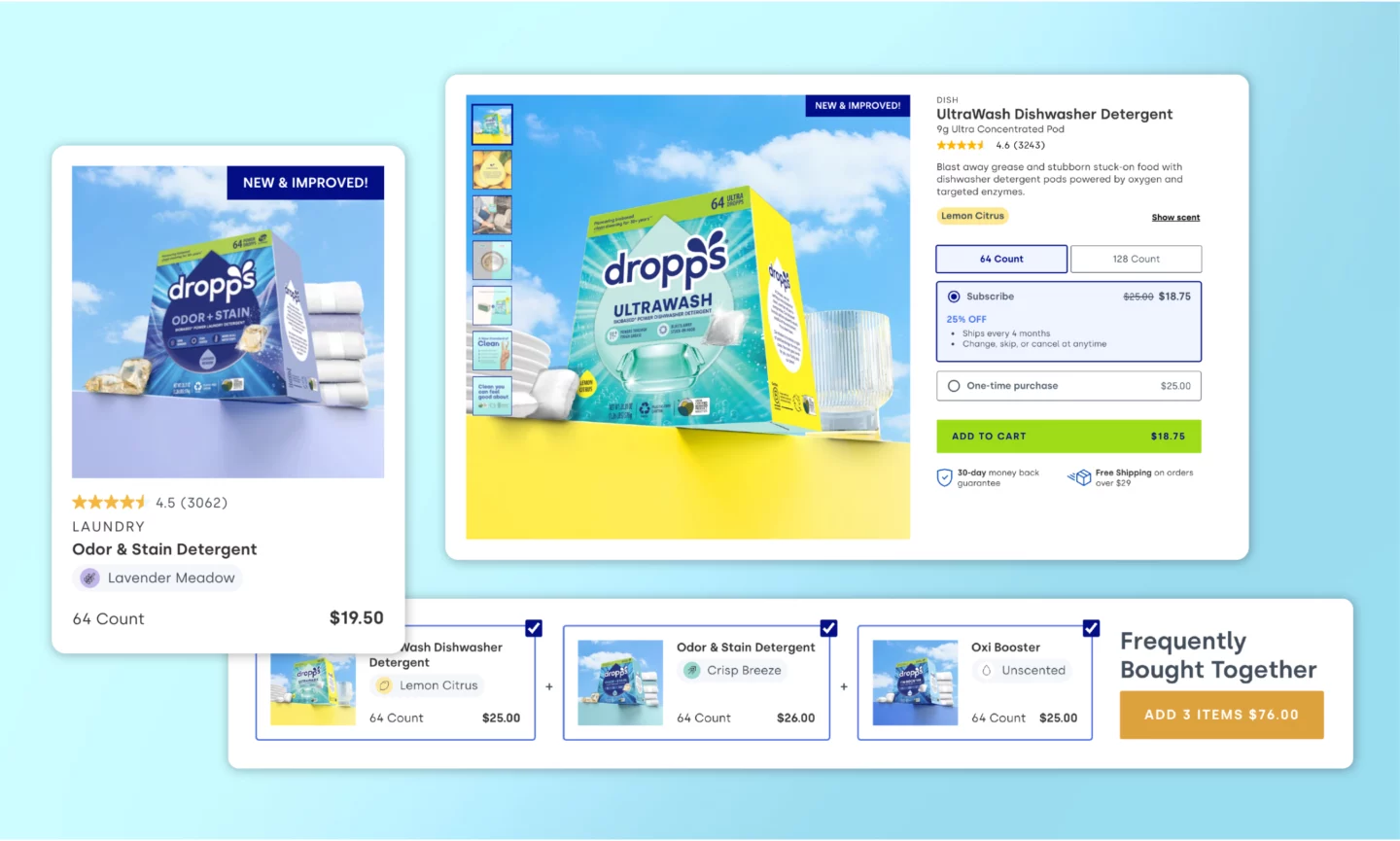
Traditional photography can appear cost-effective for a single image, but expenses compound quickly as products evolve or campaigns expand. Each update often requires physical production, logistics, and reshoots.
Common cost drivers include:
- Physical prototypes or pre-production samples
- Studio rentals, sets, and crew
- Shipping, handling, and scheduling delays
- Reshoots for new variants, colors, or configurations
CGI eliminates many of these constraints. Once a high-quality 3D foundation is established, teams can iterate, adapt, and scale visuals without restarting production. Updates such as new finishes, configurations, or camera angles are handled digitally, saving time and reducing long-term spend while maintaining visual consistency.
Over time, these efficiencies significantly lower the total cost of product imagery. Once master assets and lighting systems are created, incremental renders become exponentially more efficient, enabling thousands of images to be produced at a fraction of the cost. This is made possible by:
- Reusable digital models
- Automation-ready pipelines
- Flexible scene variations
- Instant updates without recreating physical environments
The result is a dramatically more scalable, predictable, and cost-effective approach to producing e-commerce, marketing, and R&D imagery, giving enterprise teams the agility to support fast-moving product launches and evolving campaigns.wers the total cost of product imagery.
Where AI Adds Value in CGI
AI-assisted tools can be used to streamline parts of the CGI production pipeline, such as generating base textures, accelerating repetitive tasks, and supporting rapid scene or variant iterations. While AI does not replace expert 3D artists, lighting, or art direction, it can reduce manual effort and shorten production timelines when used thoughtfully.
In practice, this allows teams to produce large volumes of consistent, high-quality visuals more efficiently, especially for projects involving many SKUs, configurations, or ongoing content updates. The real value of AI in CGI comes from supporting skilled teams, improving speed, and increasing the return on complex visualization programs.
How to Budget for 3D Product Rendering
Budgeting for 3D product rendering is easiest when you think beyond individual images and plan for how the content will be used over time. Teams that approach CGI strategically tend to see faster turnaround, better consistency, and stronger ROI.
Start with a Pilot or First-in-Series Asset
Begin with a small, well-defined pilot, often called a first-in-series (FIS) asset. This initial phase establishes materials, lighting, camera angles, and overall visual style. Once approved, this foundation can be reused across additional products, images, and campaigns, reducing cost and production time as the project scales.
Define Priority Use Cases Early
Clarify how the assets will be used before production begins. Ecommerce imagery, sales tools, marketing campaigns, and internal documentation each have different requirements. Aligning on primary use cases upfront helps ensure the visuals are built to the right level of fidelity and avoids rework later.
Plan for Reuse Across Channels and Teams
One of the biggest advantages of CGI is reusability. When assets are created with flexibility in mind, the same 3D setup can support websites, marketplaces, advertising, social media, sales presentations, and future campaigns. Planning for multi-channel use upfront often leads to a more efficient overall investment.
Think in Terms of Libraries, Not Single Images
Rather than budgeting image by image, consider building a cohesive visual library. A structured CGI library allows teams to generate new views, variants, and formats as needs evolve, without starting from scratch each time. This approach is especially valuable for growing product lines or configurable systems.
Define Scope Clearly to Avoid Surprises
Clear scope leads to smoother production. Details like the number of SKUs, required image types, expected revisions, and available CAD files all influence timelines and effort. The more aligned everyone is at the start, the more predictable the schedule and costs will be.
When CGI projects are scoped with long-term use in mind, budgeting becomes less about estimating individual assets and more about investing in a scalable content system—one that grows alongside your products and marketing needs.
The Value of 3D Product Rendering
3D product rendering delivers measurable business outcomes, not just beautiful images.
By investing in CGI, your team can:
- Launch campaigns faster: Assets can be produced, reviewed, and scaled quickly, keeping pace with product launches and marketing schedules.
- Ensure consistent visuals: Maintain a cohesive brand identity across channels, campaigns, and product lines.
- Reduce long-term costs: Digital assets can be reused, updated, and adapted without repeated photoshoots or physical prototypes. With our clients, we have seen reuse range from 5% to over 50% depending on how CGI was integrated into their product and marketing teams.
- Improve conversion rates: Show complex features, internal components, or configurable systems in ways that clarify value and build buyer confidence. Companies adopting CGI have reported up to a 40% higher online conversion rate and up to a 30% lift in average sales prices when using 3D models instead of static 2D images.
Ready to get started with CGI? Click here to connect with our visualization experts and request a quote.